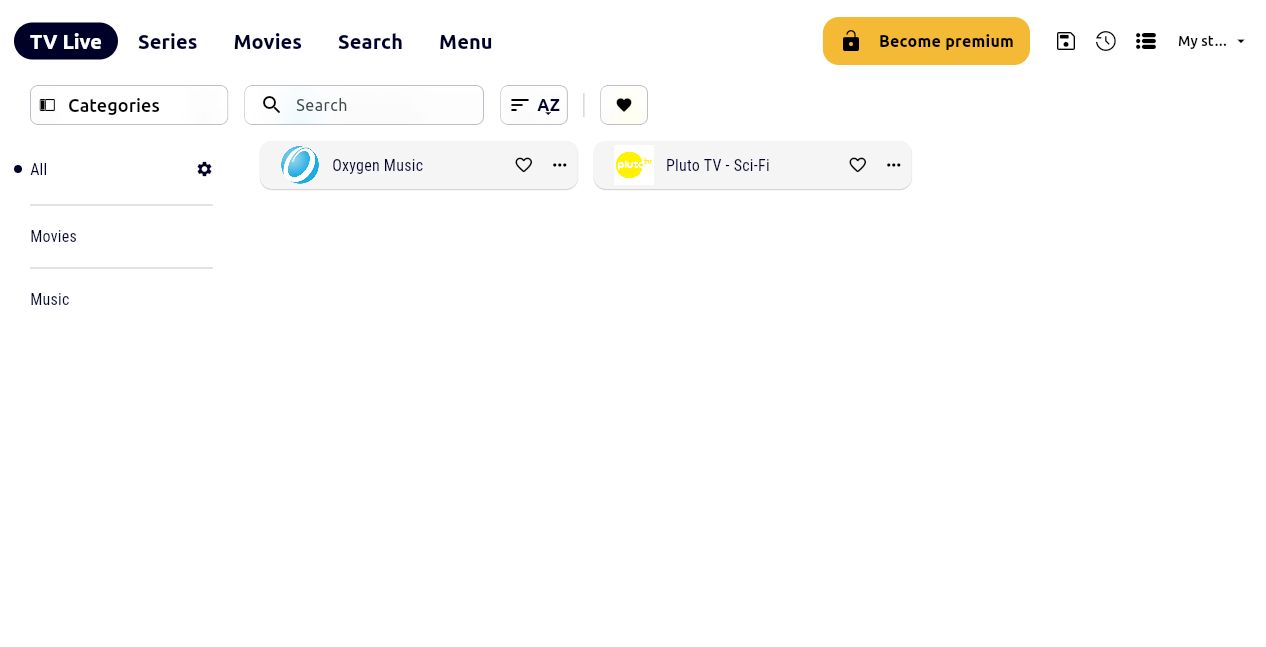
Xtream players
Это содержимое пока не доступно на вашем языке.
You can watch your favorite Livestreams and TV shows directly from your Xtream Codes (XC) compatible TV or application, using Muo.
To do that, you need to:
-
Configure a given viewer category
-
Connect to Muo using url and credentials
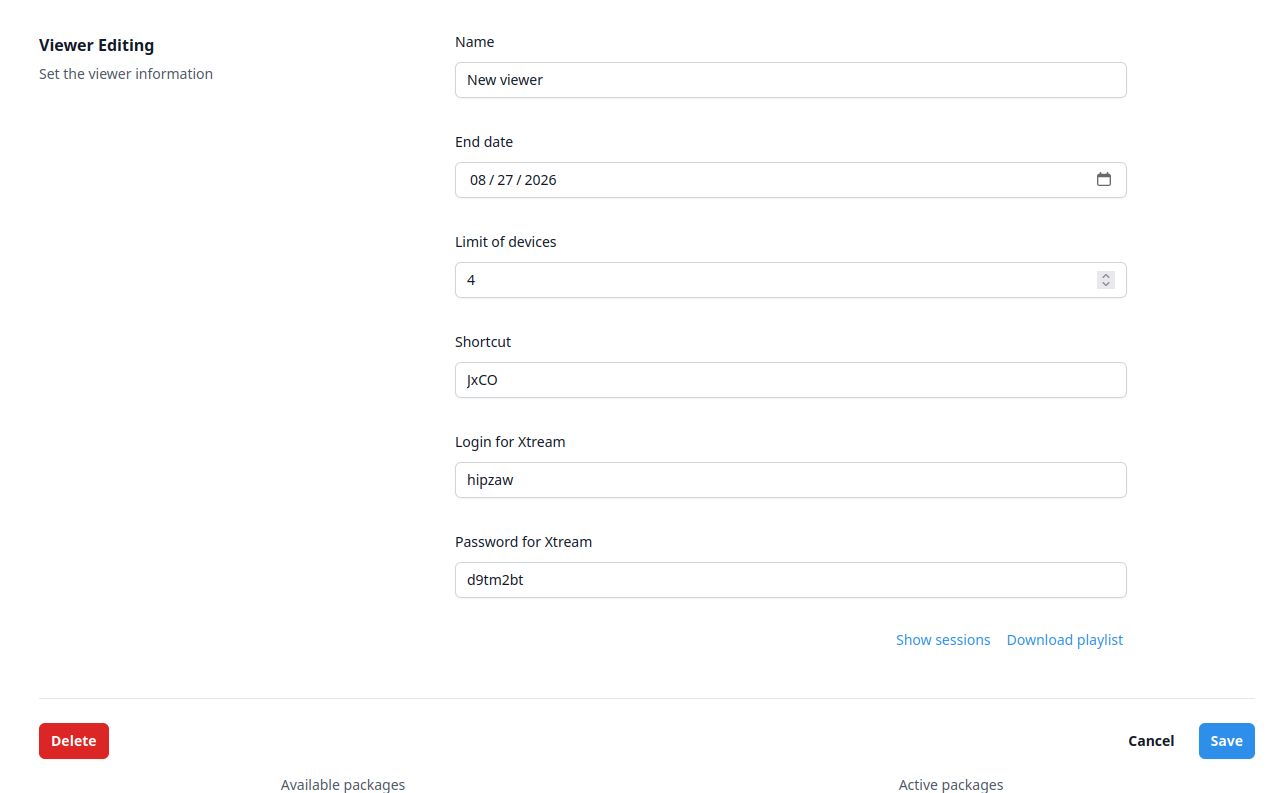
Configure the viewer
Section titled “Configure the viewer”Once you create or edit some viewer category, you can specify the credentials for an Xtream client.
Connect to Muo
Section titled “Connect to Muo”For the demonstration purposes, we will use the IPTV one application, but any other is just as good.
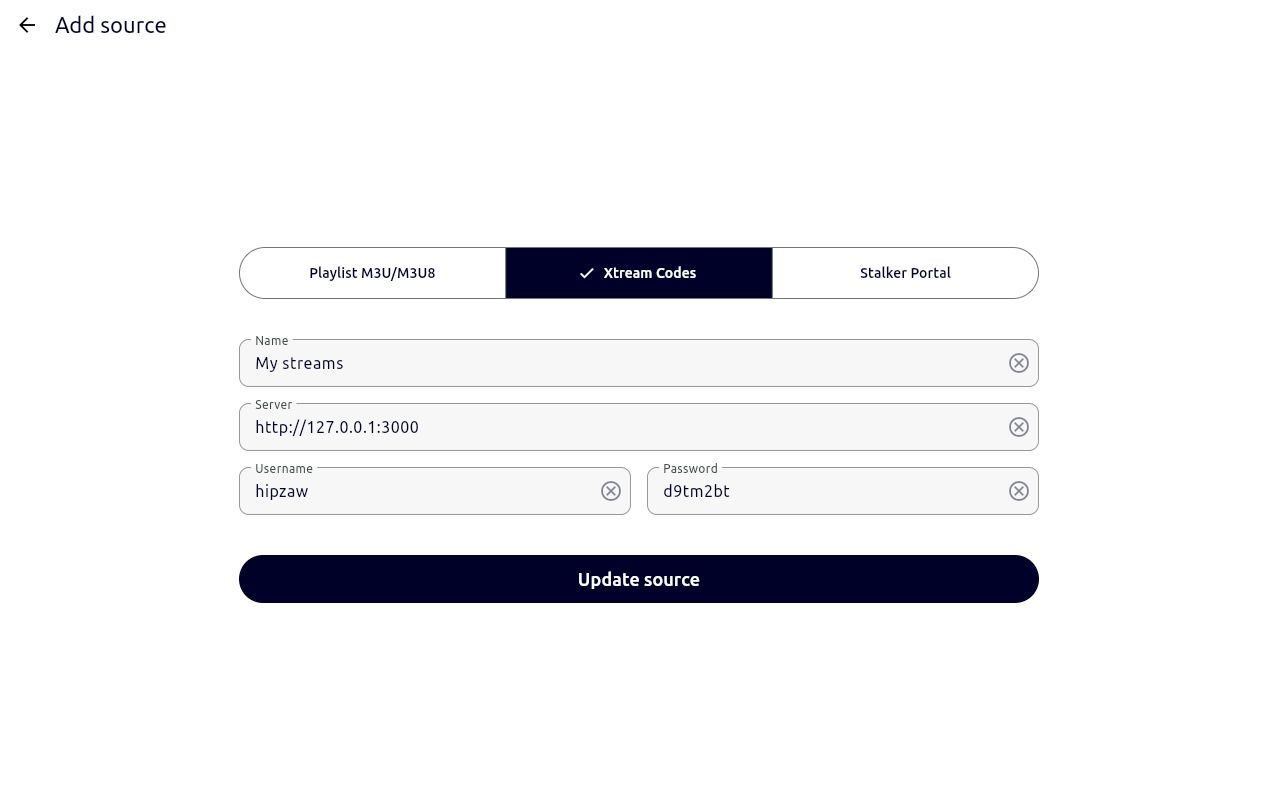
Suppose, you have a configured Muo instance running at http://localhost:3000.
In the Xtream form specify url and credentials to receive the data from.
Once the update is complete, you will see all channels and groups, connected to the viewer in the player application.