Downloading playlists
Это содержимое пока не доступно на вашем языке.
Once you’ve created a viewer category and set up channels, you can download the playlist file to your computer and share it with your clients.
You can download a playlist in the following ways:
- Click the download button in the viewer list:
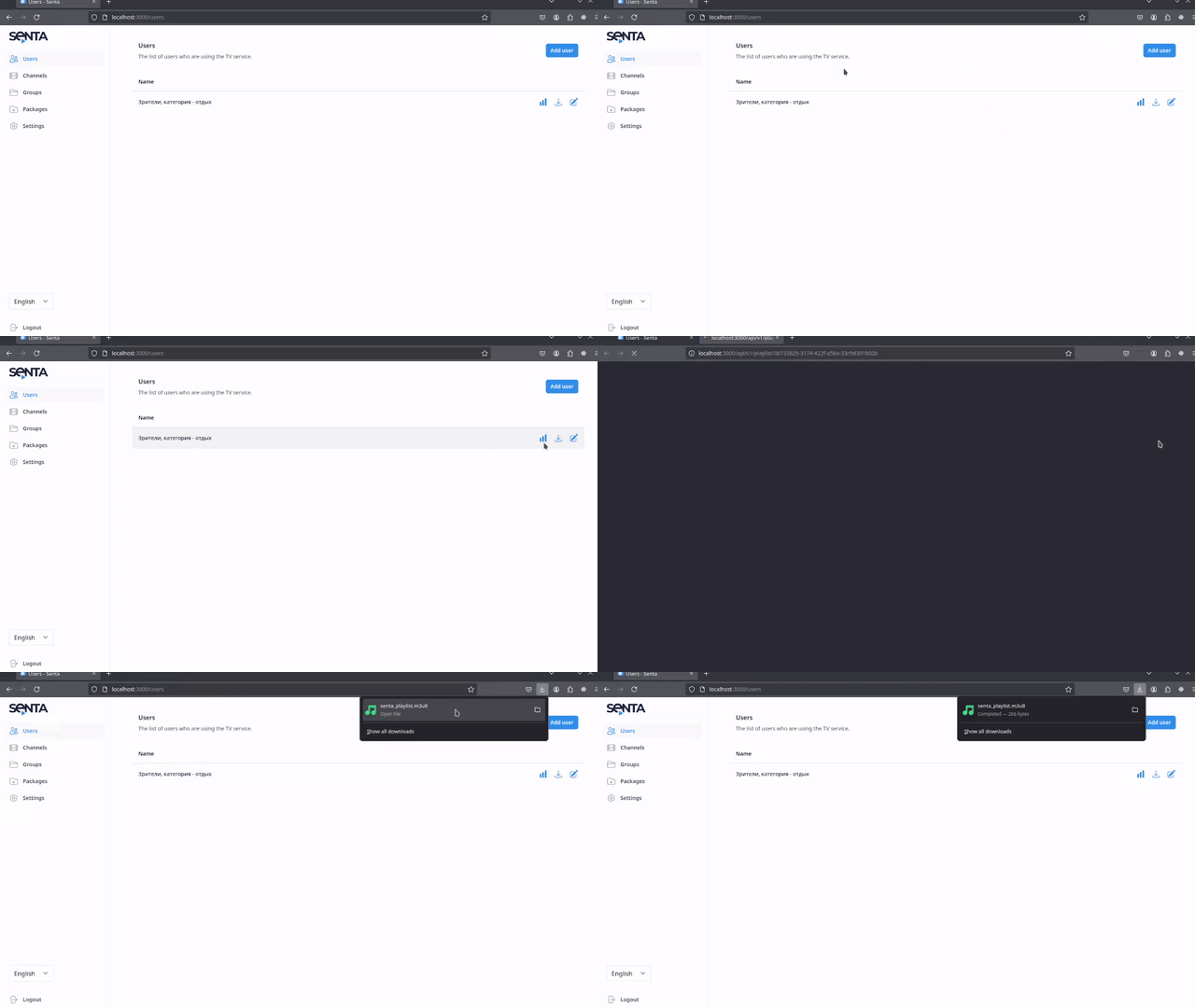
- Via the viewer’s edit screen:
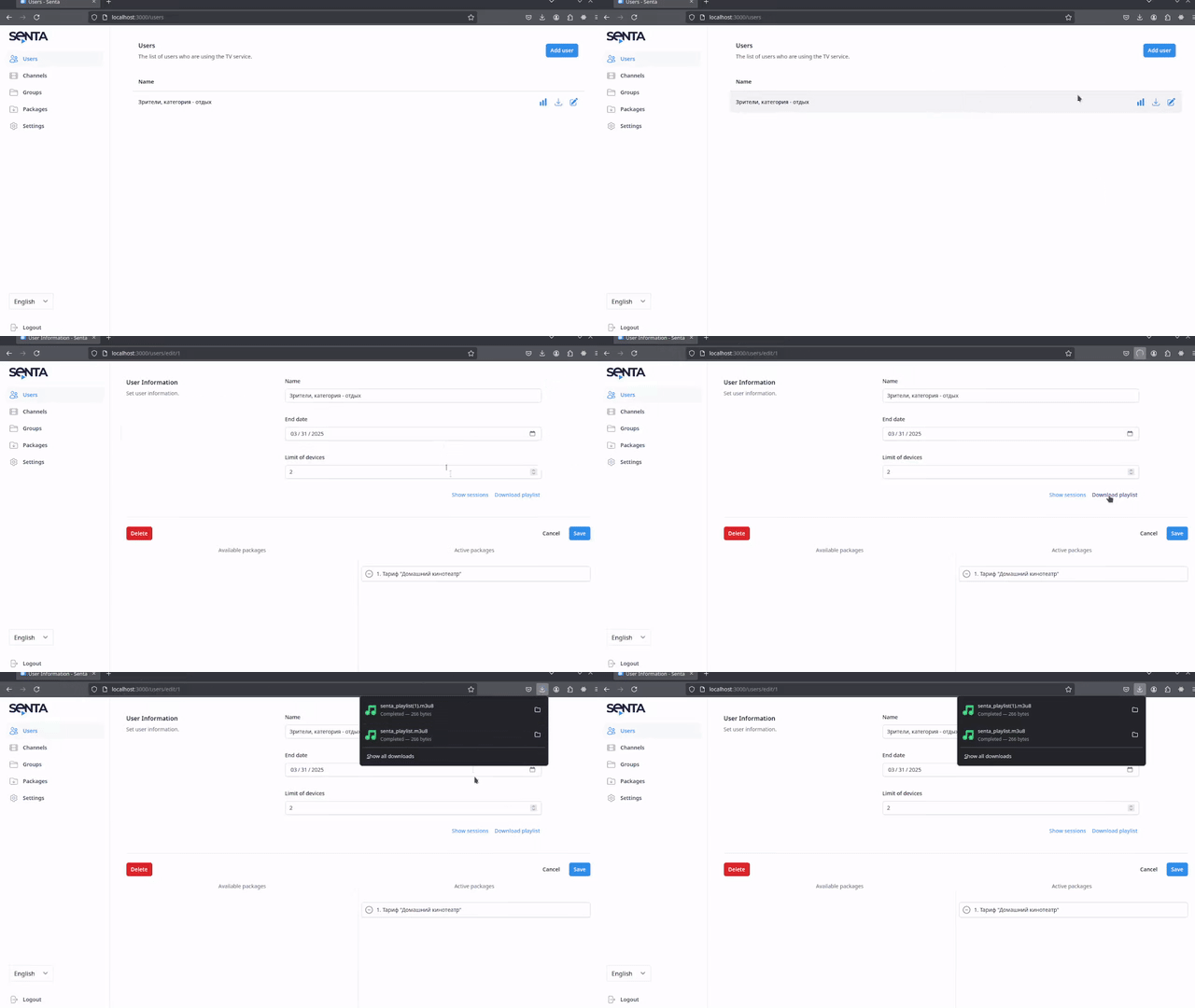
- Via a shorthand URL
Shorthand playlist URLs
Section titled “Shorthand playlist URLs”A playlist key is assigned to each viewer category. In addition to the full URL, the playlist for that viewer can be downloaded at %Muo address%/pl/%playlist key%.
For example, if a viewer wants to download a playlist with the key ABCD via Muo, available at https://some.muo.app, the download URL will be:
GET https://some.muo.app/pl/ABCD